Connect QRCTools to ChatGPT or Claude once. Then ask in plain words, and the chat makes the code, points it at a new page or pauses it. Every printed copy follows.
1Connect QRCTools onceThe chat asks to use your QRCTools account. The consent screen says what it can and can never do.
2Ask in plain wordsSomeone asks an AI chat for an editable QR code for their spring menu.
3The connector makes the codeThe chat calls the create_qr_code tool. QRCTools sends back the short link and the QR image.
4Print it onceThe code goes on the menu. A scan opens the spring menu.
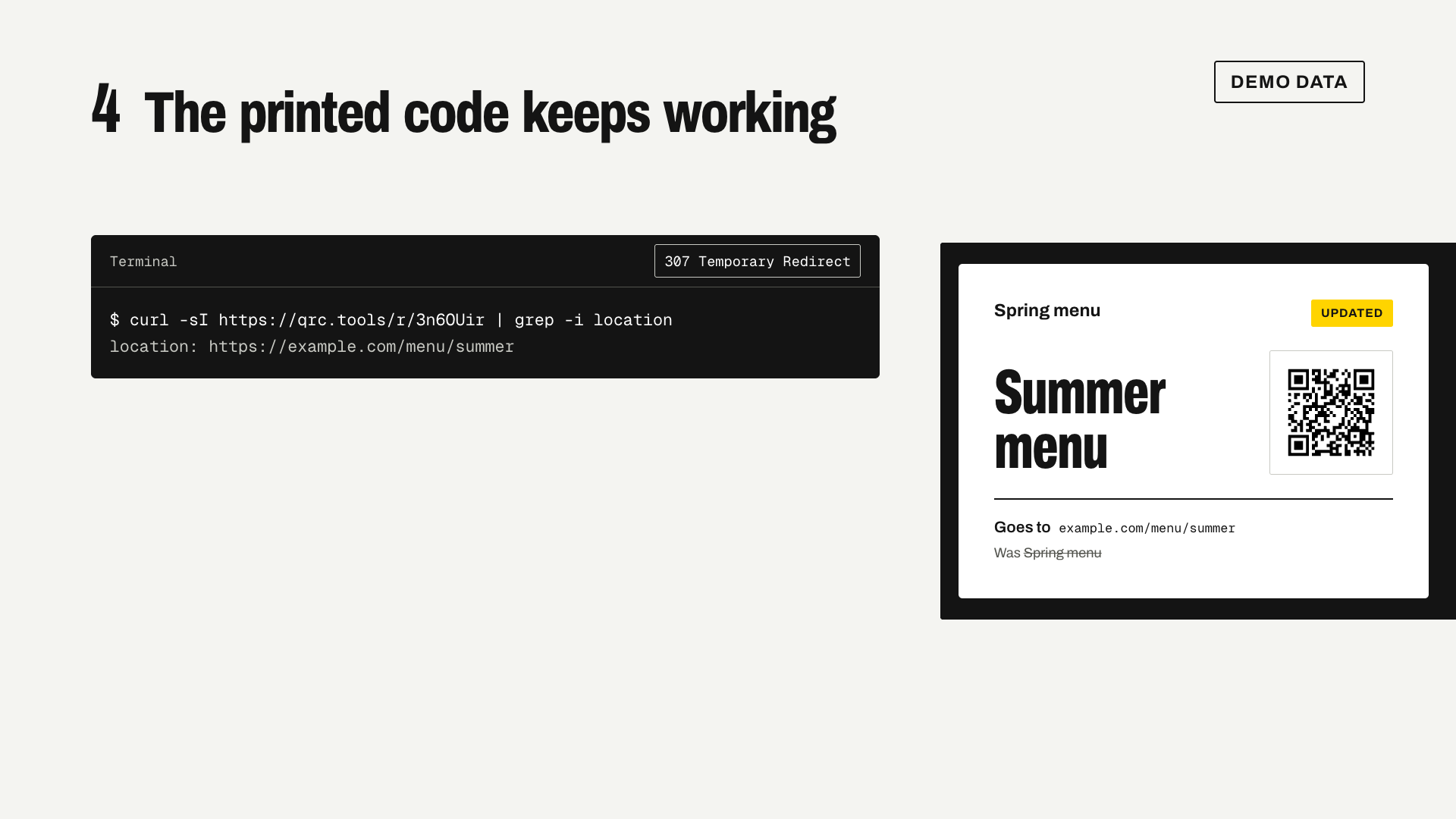
5Ask for a new destinationLater, the chat calls update_qr_destination to point the same code at the summer menu.
6The printed code stays the sameThe label shows the new destination and the old one struck through. The QR code did not change.
The names, links and numbers in this video are demo data.
What's in it
Connect once
Paste one address into the app and sign in. The consent screen says what the app may do, and you can keep it look-only.
Ask
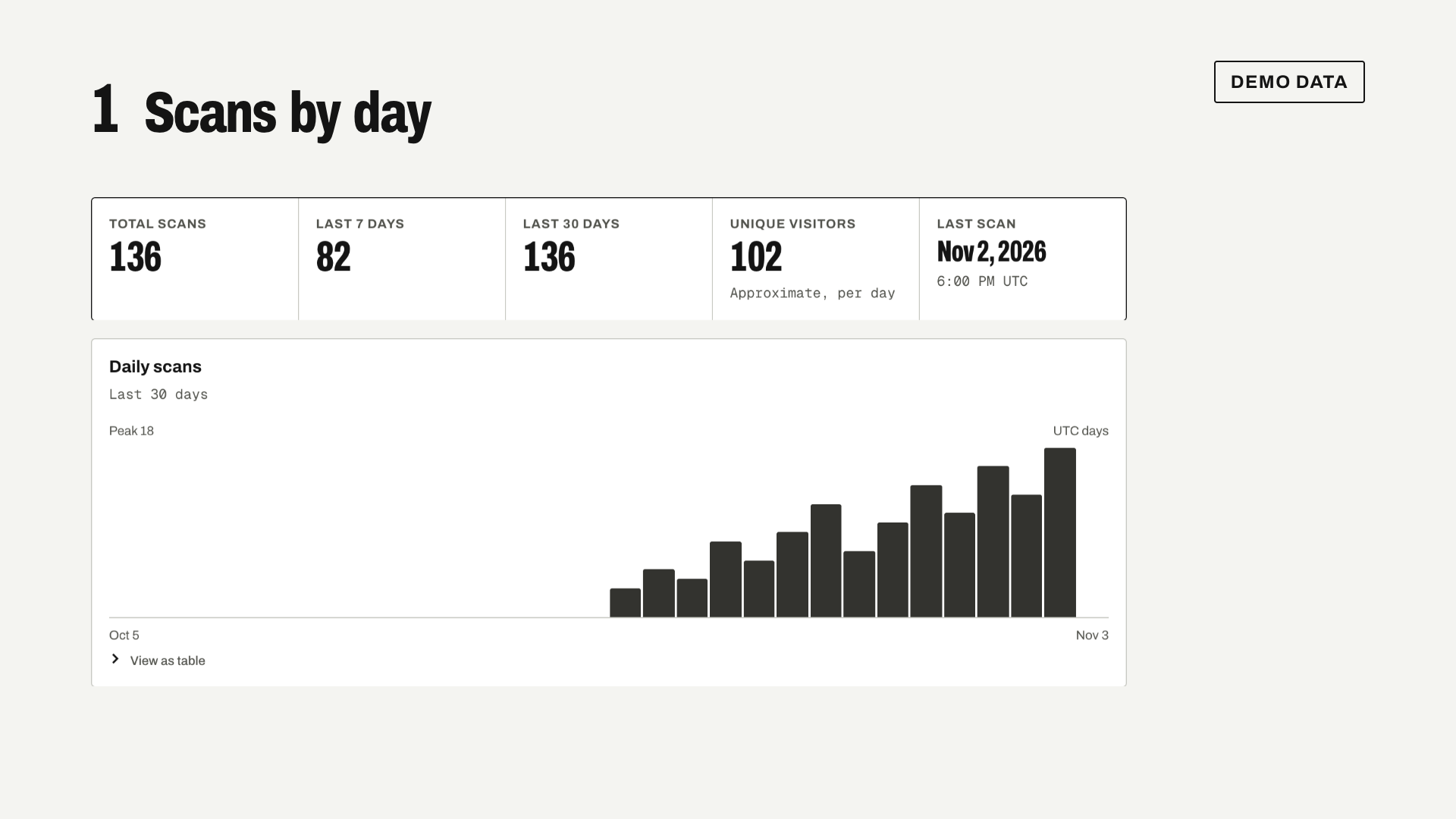
Make an editable code, point it somewhere new, rename it, pause it or turn it back on. Ask which codes got the most scans, or for one code's scans by device and country.
As you
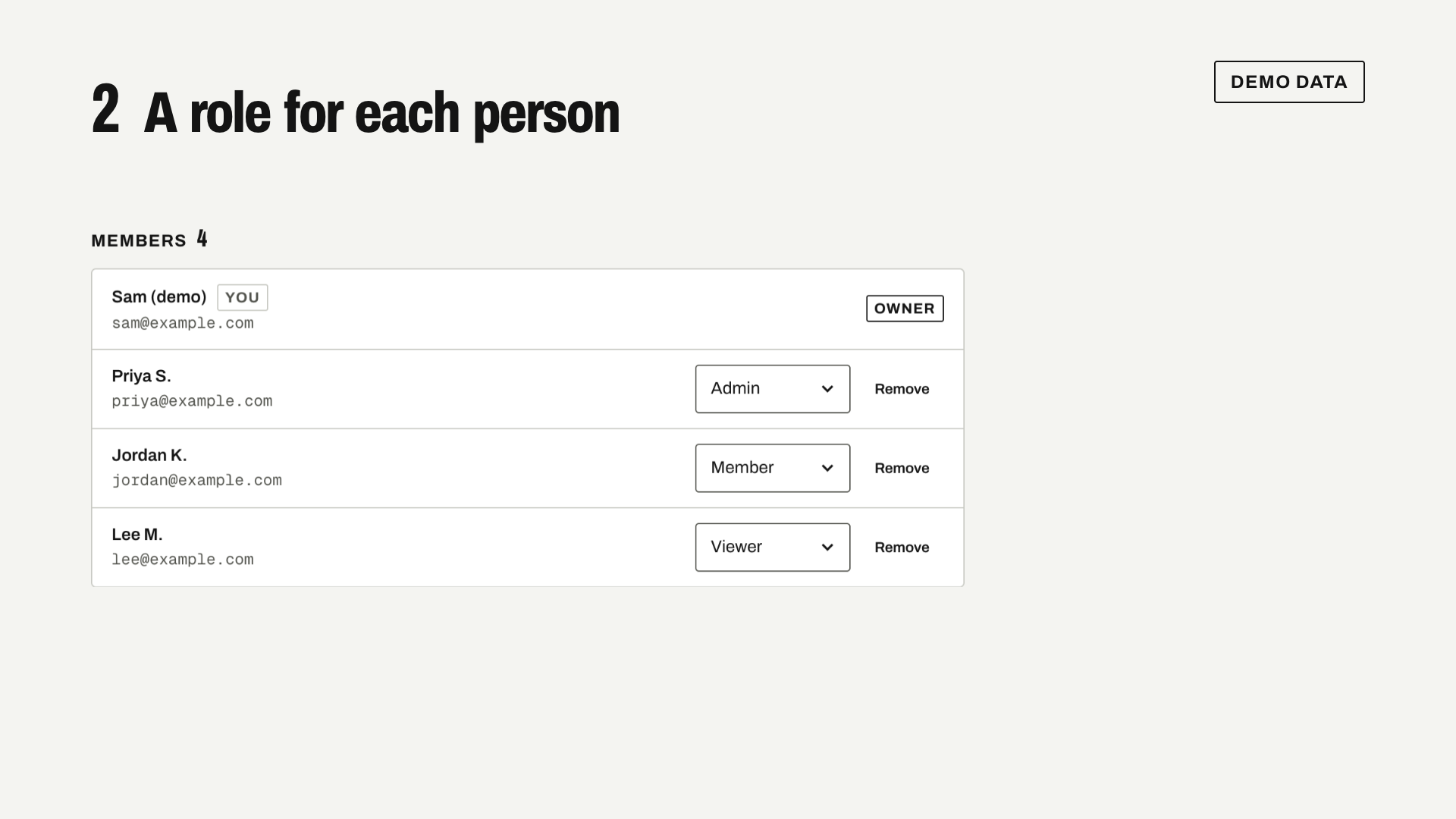
The chat works as you, in your workspaces with your role in each, and in the folders shared with you. Nothing more.
Other apps
Claude Code, Cursor, VS Code and other apps that take an MCP server address connect the same way.
Take it back
Disconnect the app in Settings whenever you like.
Where it stops
A chat can't delete codes or share folders. Those stay in the dashboard, where you can see what you're about to change.
Rules and forms are set up in the dashboard, not from a chat.
ChatGPT adds connectors in developer mode, a beta on its paid plans.
Each connected app gets 120 requests a minute.
Codes made from a chat don't pick up your brand kit's default style or domain.