Change a printed code with one request
Create a key in Settings and send plain HTTP requests. Make a code, download its artwork and point it somewhere new. Every printed copy follows the change.
Watch the film0:26 · no sound · captions
- Make a code with one request
POST /with a name and a destination. The answer holds the short link.api/ v1/ qr-codes - Download print-ready artworkThe SVG file comes from the code's own download link.
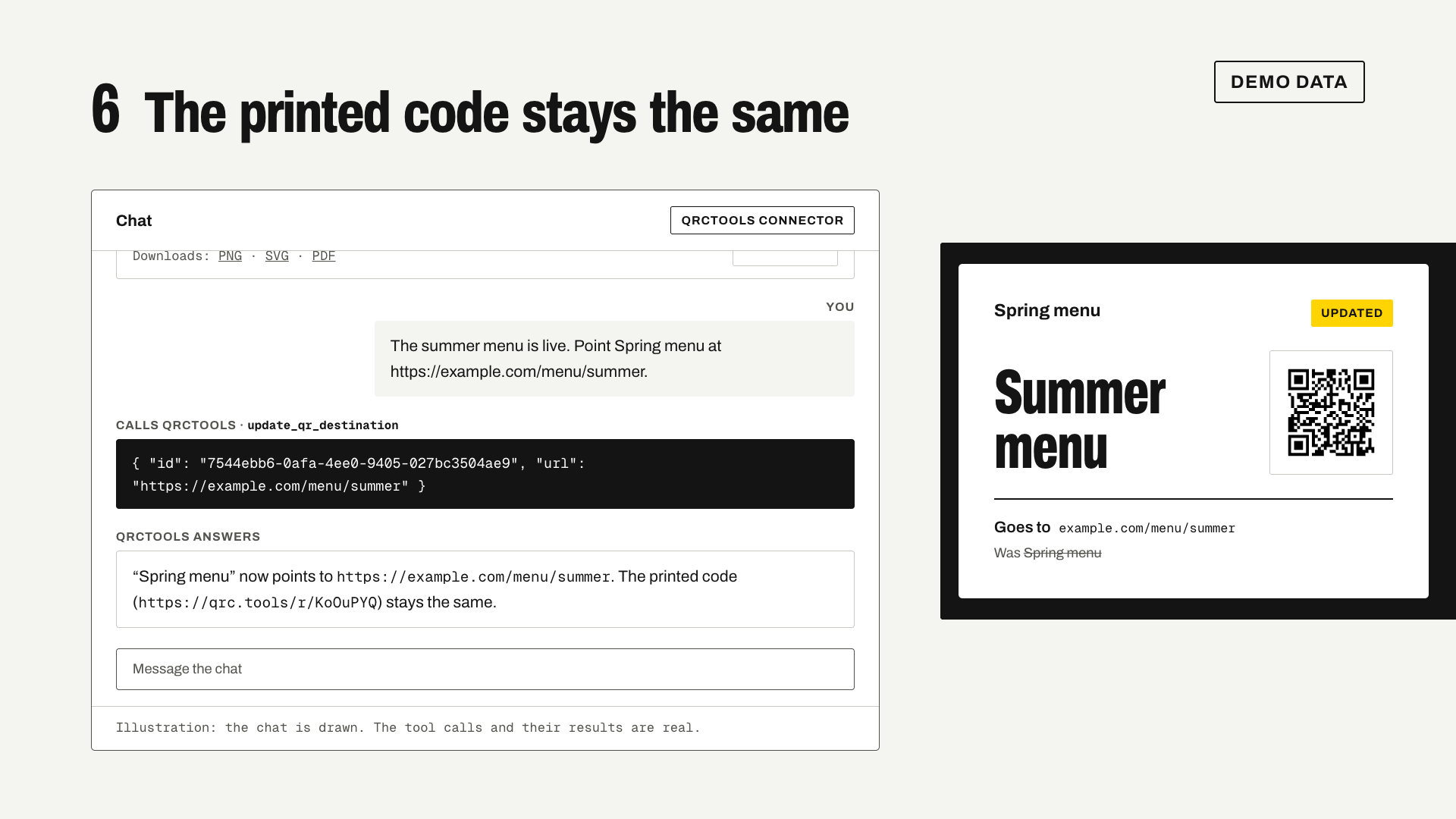
- Change the destination
PUT /with the new URL.api/ v1/ qr-codes/ {id}/ destination - The printed code keeps workingA scan of the same short link now goes to the new page.
The names, links and numbers in this video are demo data.
What's in it
- Keys
- Up to 10 personal keys, read-only or read & write. Each key is shown once, and a revoked key stops working at once.
- Codes
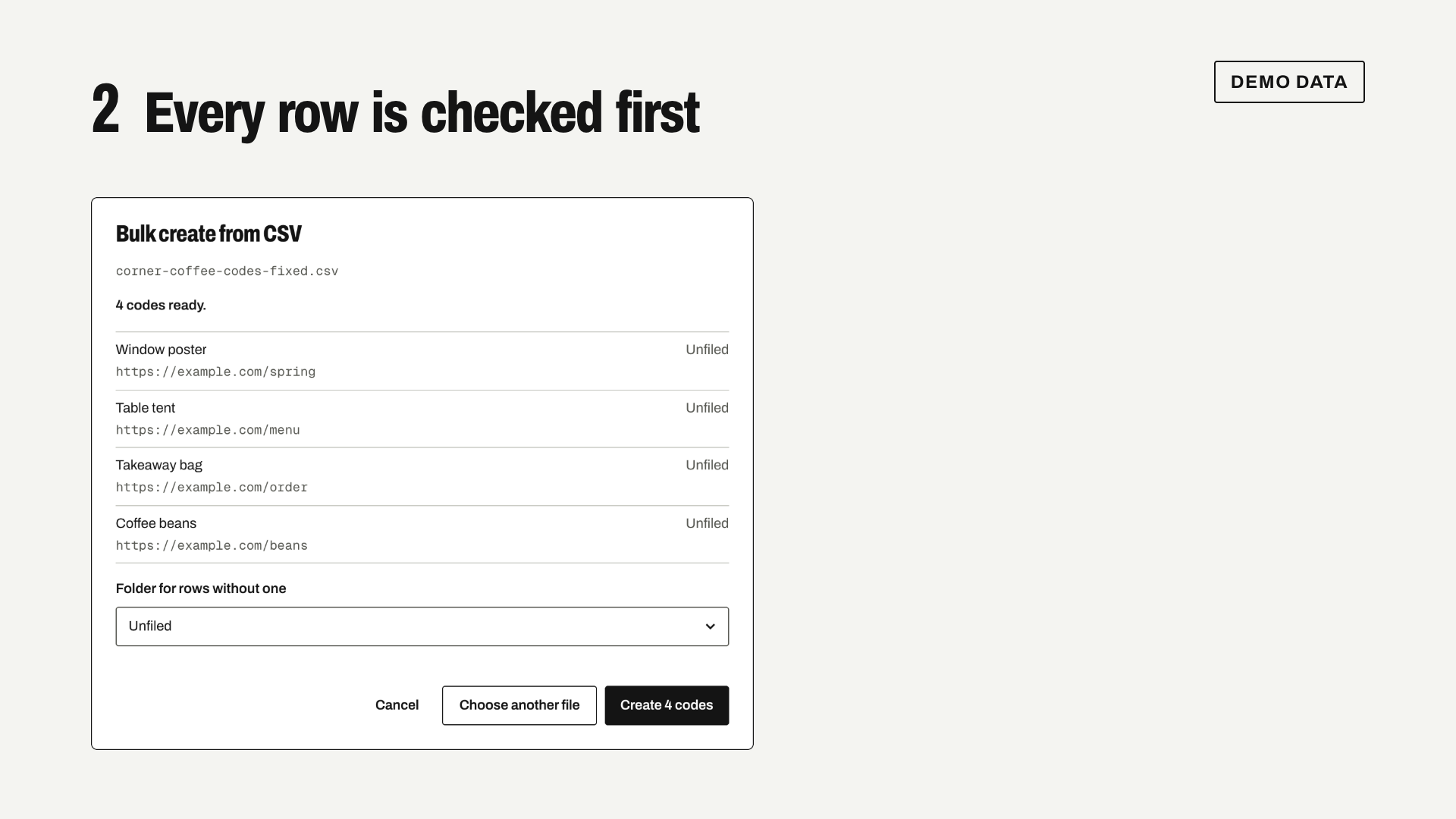
- Make editable links, landing pages and fixed codes. Rename them, change where they go, pause, resume and delete them.
- Files
- PNG at 512, 1024 or 2048 px, SVG and PDF for every code.
- Scans
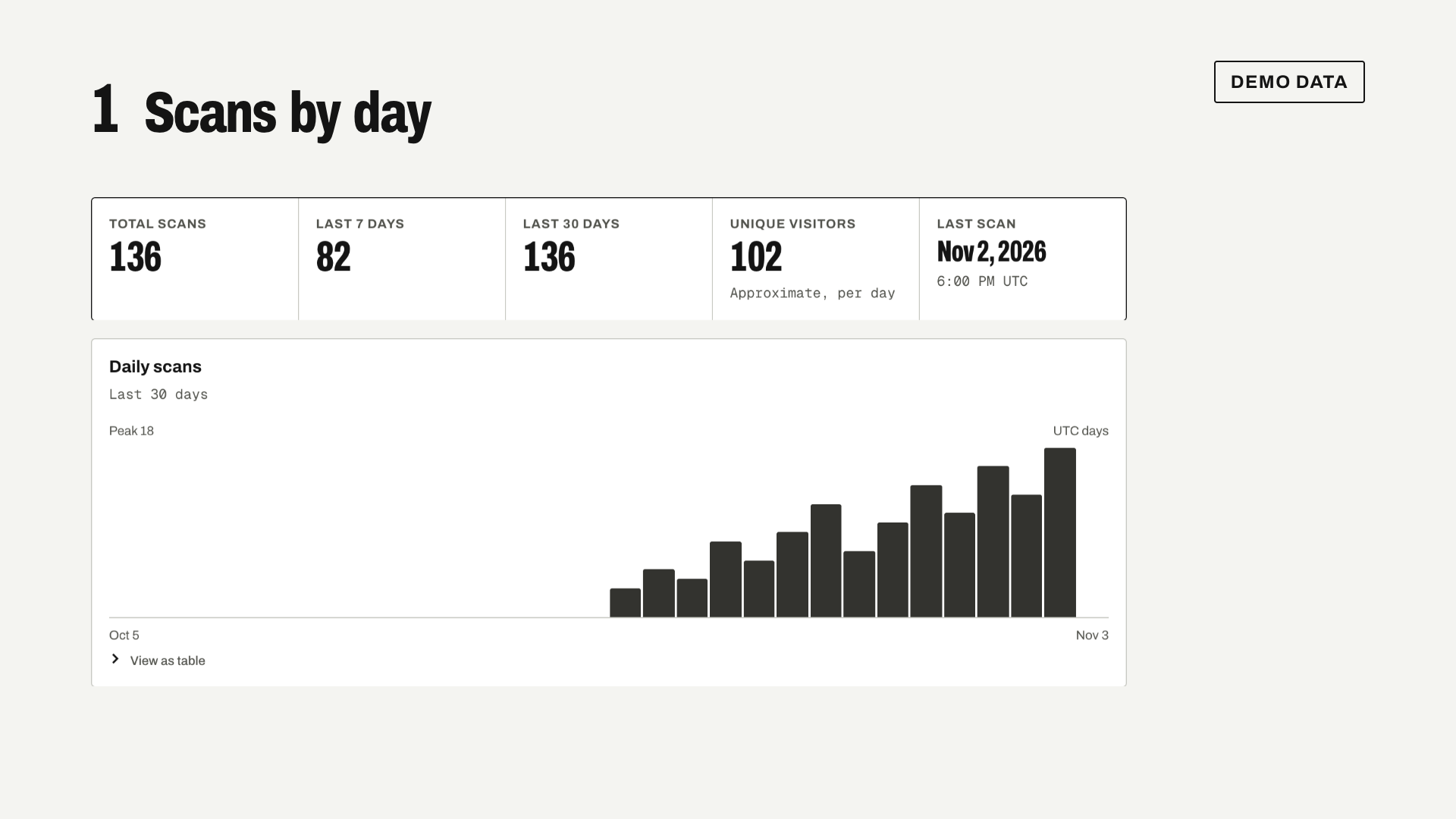
- Totals for the last 7 and 30 days, and scans by device, browser, country, referrer and rule.
- Folders
- List and make folders, in your personal workspace or a team one.
- Reference
- An OpenAPI 3.1 document lists every field.
Where it stops
- Each key gets 120 requests a minute. Past that, the answer says when to try again.
- Tags, moving codes between folders, sharing, rules and forms stay in the dashboard for now.
- Codes made through the API don't pick up your brand kit's default style or domain.
- Files from the API draw square dots in your colors. Dot styles, logos and frames download from the dashboard.