See which codes get scanned
Every editable code counts its scans. See them by day and hour, device, browser, country and the site that sent people. We never keep a scanner's IP address.
Watch the film0:16 · no sound · captions
- Scans by dayThe stats page shows the total, the last 7 and 30 days, and a chart of each day.
- How people scanDevices, browsers, systems, countries and referrers, each as a share of the scans.
- No IP addresses storedUnique visitors come from a salted hash that changes every day.
The names, links and numbers in this video are demo data.
What's in it
- Totals
- Scans and visitors for 7, 30 or 90 days, set against the days before, or for all time.
- When
- A column for each day, and a week grid that shows the busy hours.
- Where
- A world map by country, and the sites that sent people.
- On what
- Phones, tablets and computers, browsers and systems, each as a share of the scans.
- Rules
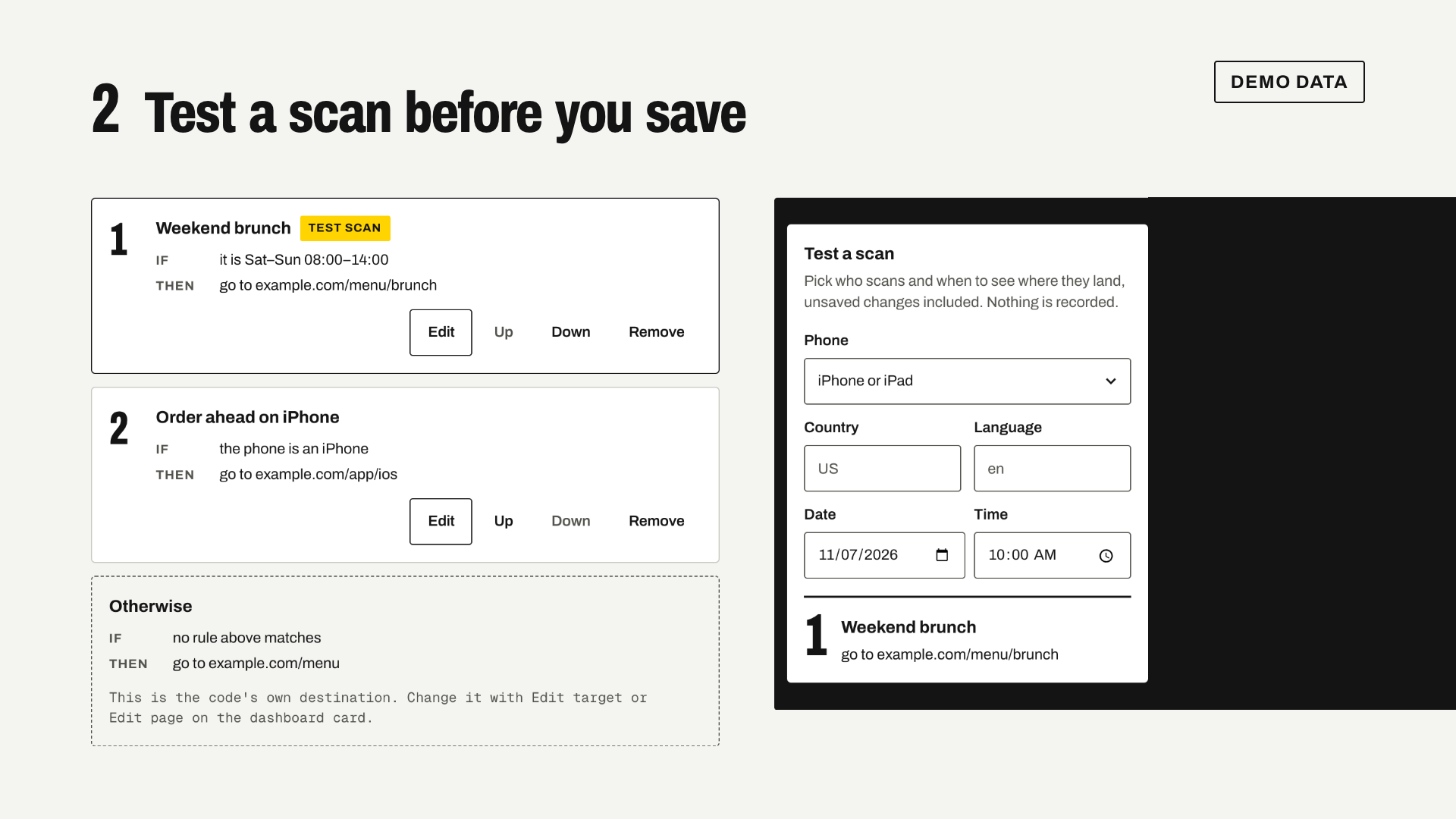
- For a code with rules, how many scans each rule sent.
- Time zone
- Days and hours read in your own time zone, and the page says which one.
- Download
- Every scan as a CSV file, in UTC.
Where it stops
- Only editable codes count scans. A WiFi or text code holds everything in its pattern, so a scan never reaches us.
- Visitors are an estimate. We count a one-way hash that changes every day, never an IP address.
- Link previews and bots don't count as scans. The CSV keeps them, marked as bots.
- Country comes from an offline lookup, so a few scans have none.